
Mice


-
DE Bestand

 Vendor:AKKO
Dash Gaming Mouse
Regular price From €41,64 EURRegular price€41,64 EURSale price From €41,64 EUR -

 Vendor:AKKO
Framer Gaming Mouse
Regular price From €54,73 EURRegular price€54,73 EURSale price From €54,73 EUR -

 Vendor:AKKO
Nest Gaming Mouse
Regular price €71,39 EURRegular price€71,39 EURSale price €71,39 EUR -
Save 20% DE inventory
 Vendor:AKKO
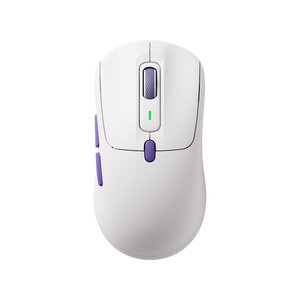
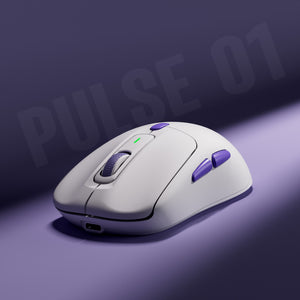
Pulse 01 Gaming Mouse
Regular price From €76,15 EURRegular price€95,19 EUR-20% Sale price From €76,15 EUR -
 Vendor:AKKO
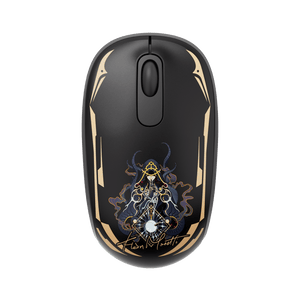
Lord of the Mysteries Smart1 Mouse
Regular price €35,69 EURRegular price -
DE inventory

 Vendor:AKKO
AG ONE 3950 Hatsune Miku Gaming Mouse
Regular price €95,19 EURRegular price€95,19 EURSale price €95,19 EUR -

 Vendor:AKKO
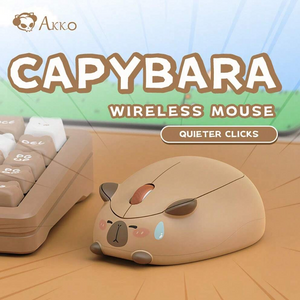
Akko Capybara Mouse
Regular price From €35,69 EURRegular price€35,69 EURSale price From €35,69 EUR -

 Vendor:AKKO
Akko x Waigua Cat Wireless Mouse
Regular price From €29,74 EURRegular price€29,74 EURSale price From €29,74 EUR -
 Vendor:AKKO
Akko x Waigua Cat Wireless Mouse
Regular price From €29,74 EURRegular price€29,74 EURSale price From €29,74 EUR -
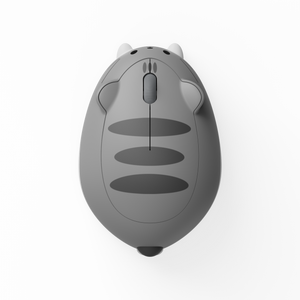
 Vendor:AKKO
Akko x Waigua Cat Wireless Mouse
Regular price From €29,74 EURRegular price€29,74 EURSale price From €29,74 EUR -
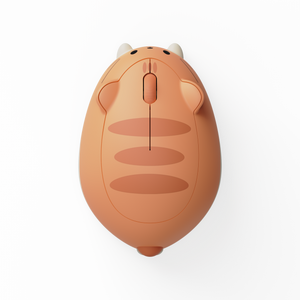
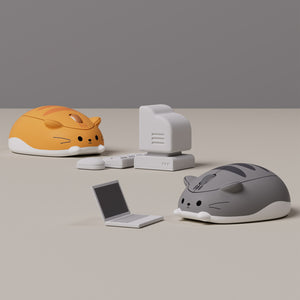 Vendor:AKKO
Akko x Waigua Cat Wireless Mouse
Regular price From €29,74 EURRegular price€29,74 EURSale price From €29,74 EUR -
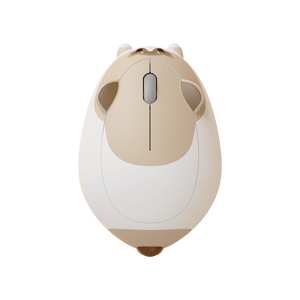
 Vendor:AKKO
Akko x Waigua Cat Wireless Mouse
Regular price From €35,69 EURRegular price€35,69 EURSale price From €35,69 EUR -

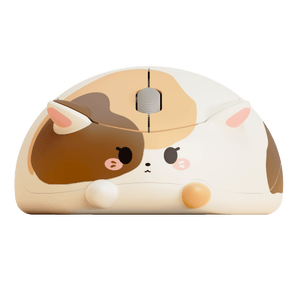 Vendor:AKKO
Akko x Waigua Cat Wireless Mouse
Regular price From €35,69 EURRegular price€35,69 EURSale price From €35,69 EUR -

 Vendor:AKKO
Akko x Waigua Cat Wireless Mouse
Regular price From €35,69 EURRegular price€35,69 EURSale price From €35,69 EUR -

 Vendor:AKKO
The Legend of Hei Smart1 Mouse
Regular price €35,69 EURRegular price€35,69 EURSale price €35,69 EUR -

 Vendor:AKKO
Dudu and Bubu Smart1 Mouse
Regular price €35,69 EURRegular price€35,69 EURSale price €35,69 EUR -

 Vendor:AKKO
Kuromi Smart1 Mouse
Regular price €35,69 EURRegular price€35,69 EURSale price €35,69 EUR -

 Vendor:AKKO
AG ONE Light Dudu and Bubu Wireless Mouse
Regular price €47,59 EURRegular price€47,59 EURSale price €47,59 EUR -

 Vendor:AKKO
AG ONE Light The Legend of Hei Wireless Mouse
Regular price €47,59 EURRegular price€47,59 EURSale price €47,59 EUR -

 Vendor:AKKO
AG ONE Light Lord of the Mysteries Wireless Mouse
Regular price €47,59 EURRegular price€47,59 EURSale price €47,59 EUR -

 Vendor:AKKO
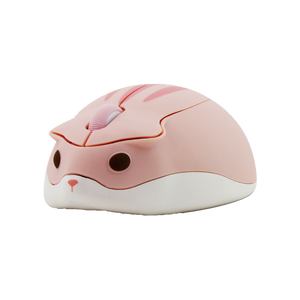
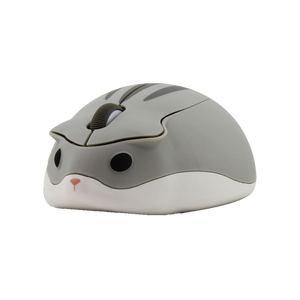
Akko x Waigua Cat Wireless Mouse
Regular price €35,69 EURRegular price€35,69 EURSale price €35,69 EUR -
-

 Vendor:AKKO
AG ONE Light Cinnamoroll Wireless Mouse
Regular price €47,59 EURRegular price€47,59 EURSale price €47,59 EUR -

 Vendor:AKKO
Akko Marmot Mouse
Regular price €42,83 EURRegular price€42,83 EURSale price €42,83 EUR -
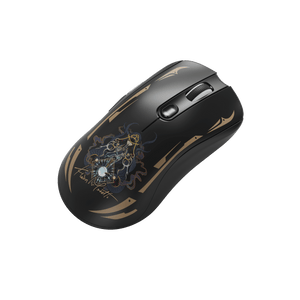 Vendor:AKKO
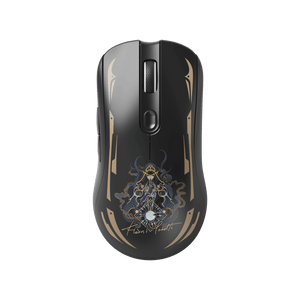
AG ONE NearLink Mouse Lord of the Mysteries
Regular price €71,39 EURRegular price€71,39 EURSale price €71,39 EUR -
DE Bestand

 Vendor:AKKO
Dash Gaming Mouse - Black
Regular price From €41,64 EURRegular price€41,64 EURSale price From €41,64 EUR -

 Vendor:AKKO
Dash Gaming Mouse - Pink
Regular price From €71,39 EURRegular price€71,39 EURSale price From €71,39 EUR


Akko Mice for Gaming, Office & Everyday Use
A high-quality mouse is the heart of every computer. It not only determines the precision and speed of your movements, but also ensures comfort during long work or gaming sessions.
The World of Akko Mice


Selection aid – Which mouse is right for you?
-
1. Intended use
Not every mouse is optimized for the same purpose.
While gaming models are designed for maximum response speed, office mice prioritize ergonomics and comfort. Before making a purchase, consider what requirements are crucial for you.
-
2. Wired or wireless?
Modern wireless mice today offer a stable connection and low latency.
A wired mouse convinces with constant signal transmission without battery dependence. Both variants have their advantages – your personal application area is decisive.
-
3. Sensor & DPI
The sensor determines how precisely your mouse tracks movements.
For office work, moderate DPI values are sufficient, while more demanding applications benefit from higher settings.
-
4. Polling Rate
The polling rate describes how often per second the mouse transmits its position to the computer.
A higher rate ensures smoother movements and more precise control.
-
5. Ergonomics & Weight
An ergonomically designed mouse reduces strain on the wrist.
Lighter models allow for faster movements, while heavier variants offer more stability.

Frequent Questions about Mice
Which mouse is right for me?
Which mouse is right for me?
The right mouse depends on your area of use.
For gaming, precise sensors and fast response times are important.
For office work, ergonomics and comfort are paramount.
If you want maximum flexibility, a wireless mouse is ideal.
Before buying, consider what requirements are crucial for you.
Which DPI should you choose?
Which DPI should you choose?
DPI (Dots Per Inch) determines the sensitivity of your mouse.
For office applications, 800-1200 DPI is usually sufficient.
For faster or more precise movements, higher DPI settings can be useful.
Many modern mice offer adjustable DPI levels, allowing you to customize the sensitivity individually.
What does polling rate mean?
What does polling rate mean?
The polling rate indicates how often per second the mouse sends its position to the computer.
A higher polling rate ensures smoother movements and faster response times. For most applications, 1000Hz is more than sufficient.
Bluetooth or 2.4GHz – which is better?
Bluetooth or 2.4GHz – which is better?
Bluetooth mice are energy-efficient and versatile.
2.4GHz models with a USB receiver generally offer a more stable connection and lower latency.
Which option is better depends on your area of use and your devices.
What are the different types of mouse grips?
What are the different types of mouse grips?
- The three most common grip types are:
Palm Grip – full hand contact, high comfort - Claw Grip – curved hand position, precise control
- Fingertip Grip – movement with fingertips, fast reactions
The ideal shape depends on hand size and personal comfort.
Why isn't my USB receiver working?
Why isn't my USB receiver working?
Please try a different USB port or another device.
Also check the driver settings and possible power-saving options.
If the problem persists, our customer service will be happy to assist you.
Where can I find the correct driver software?
Where can I find the correct driver software?
You can find the latest software for compatible models in the Download Center on our website.
There you can select your model and download the corresponding software.